

Sign in with your school
Your institute ID plus the ID and password the school gave you. Each person sees only their own records.
Attendance, fees, homework and results, right on your phone.
Routine, homework, exams and notices reach teachers and parents in the same place, the moment they happen.
Plan routines, assign homework and assignments, run exams, and generate admit cards and seat plans with less manual work.
Send guardian, SMS and teacher notices, and keep everyone connected through the Guardian and Teacher apps.
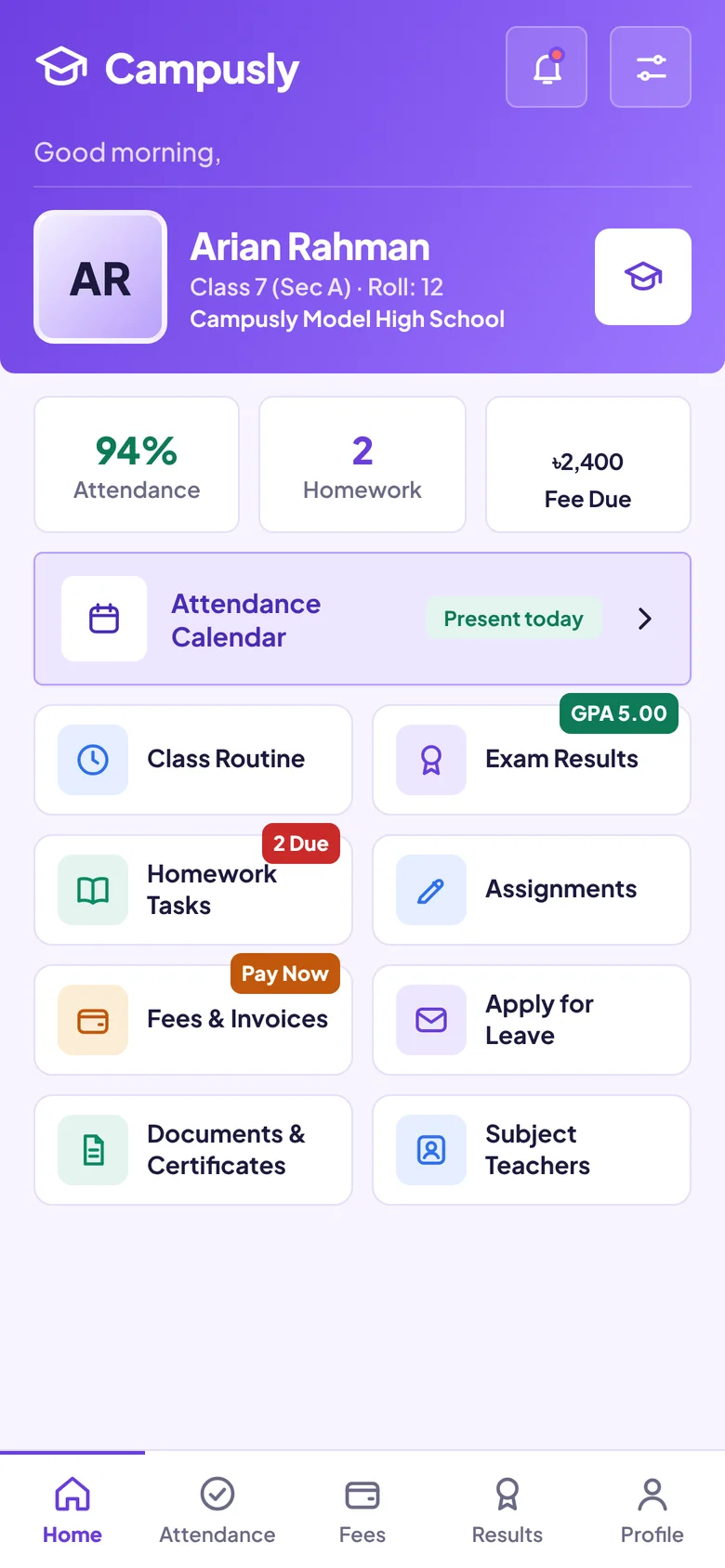
One screen shows attendance, what's due, the fee balance and the latest result. Open any card for the full detail.
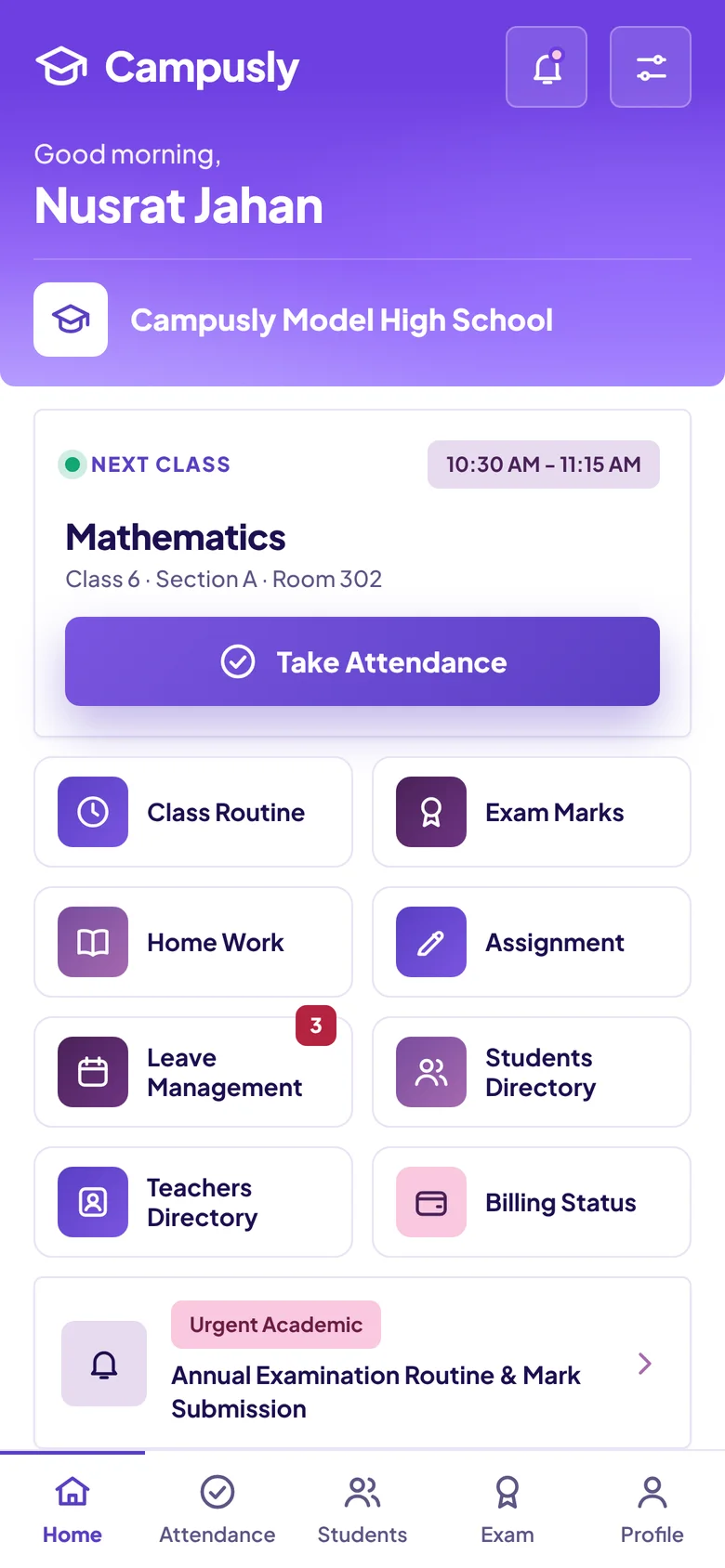
The app knows your routine, so your next class is already on the home screen with a single button to start attendance.
No training session needed. If you can use a messaging app, you can use these.
Your institute ID plus the ID and password the school gave you. Each person sees only their own records.
The apps read the school's live records, so a teacher's tap shows up on the parent's screen without a call or a note.
Open the link on your phone, add it to your home screen, and it opens like any other app.
Parents get a calm overview. Teachers get fast tools. Both sit on the same school records.
Your school sets you up. You do the rest from your phone.
Your school gives you an ID and password.
Pick your app and enter your details.
One tap to open, every day.
Pick the app that matches your role and sign in with the details your school gave you.
Screens shown use sample names and numbers.